Flock of the Seraphim Controls
How to move, aim, and survive a surround without fighting the menu first.
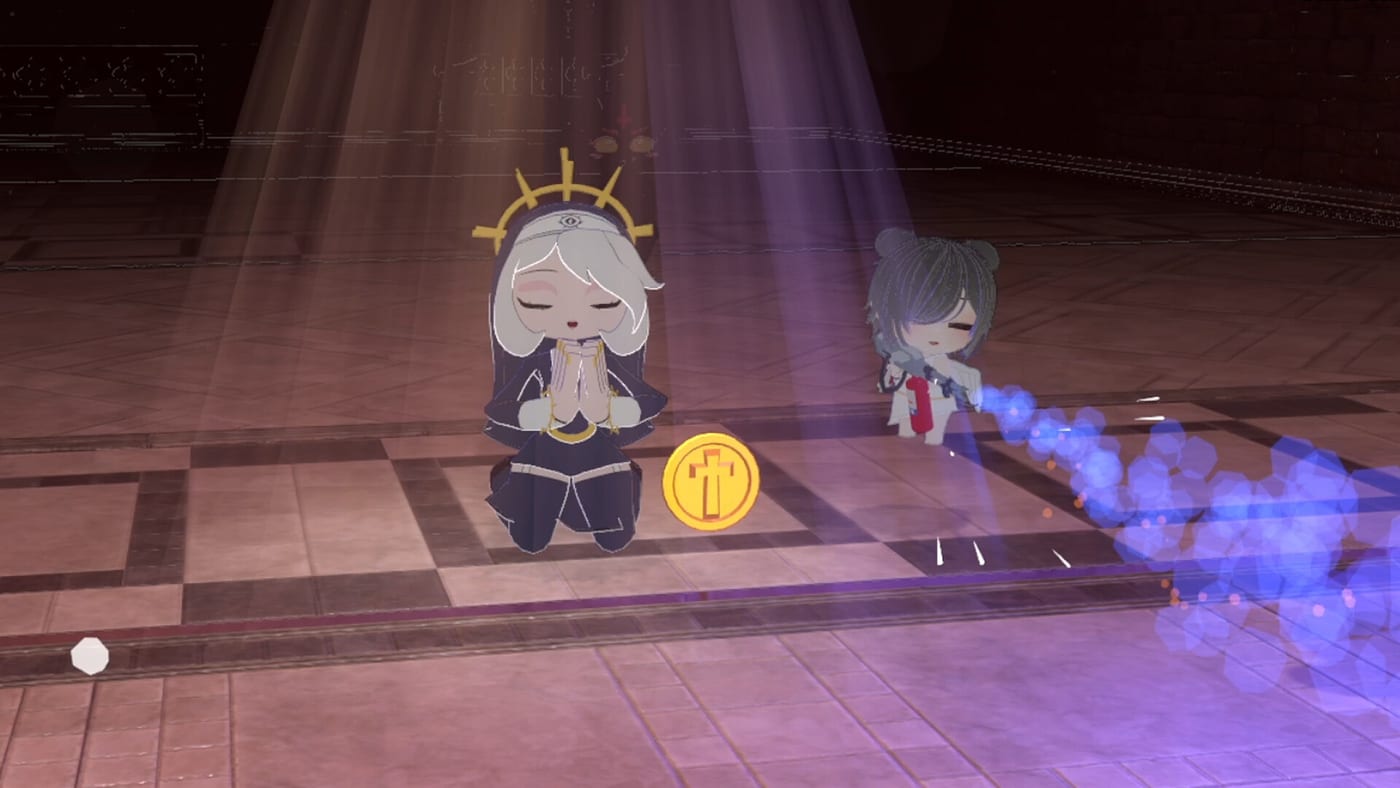
Steam marks Flock of the Seraphim as full controller support and playable without timed input. That is the official promise. The community still opened an “Aiming?” thread in the weeks before launch, and launch-day reviews mention WASD plus jumping more than a hidden combo list. This page is the practical map: how you steer the nun, how the flock follows, and why a pad can feel worse in the start menu than in a run.
If you cannot reach this screen because the game never boots, that is not a bind problem. Use the crash fix.
Keyboard and mouse
Most players will move with WASD and steer the camera or aim with the mouse. Jumping is part of the kit, not a secret. You are placing a body in a 3D-ish arena while angels shoot around you, so height and sidesteps matter when a spawn lands on your feet.
A usable first bind set:
- Move on WASD and keep jump on space unless you rebound it for a thumb injury.
- Leave primary fire and interact on the defaults until you have finished one boss. Rebinding mid-panic is how people lose a chest.
- Drop mouse acceleration if your aim thread is really a desktop-accel thread. The game will not fix Windows pointer settings for you.
You do not need a 1600 DPI ritual. You need to see a spawn pocket and leave it. The Getting Started page is the movement lesson in context. This page is only the hardware layer.
Controller
Full controller support is on the store page. Chinese and English reviews still say the start menu is clumsier on a pad than the run itself. If a prompt highlights the wrong tile, switch to the mouse for the hub, then pick the pad back up when the crusade starts. That is an ugly workaround and it is still faster than rage-quitting the menu.
In a run, treat the left stick as WASD and the right stick as look. Triggers and bumpers will map to fire, dash or jump, and interact depending on the current build. Because GuuchanDev has not published a public bind table, confirm the overlay in your own pause menu and write it on the unlock checklist notes if you share a machine.
If the flock feels late on a pad, that is often camera lag or a low FPS cap, not a missing “aim assist on/off” myth. The demo update already added a max FPS option and a display picker. Use them before you buy a new controller.
Aiming without a twin-stick fantasy
Some players arrive from Brotato or Megabonk and expect auto-aim to hide every surround. Flock of the Seraphim still asks you to face the threat and to walk. Angels fire with their own stats, but your body is the magnet that decides where the next spawn lands.
Practical aim rules:
- Face the densest clump, then sidestep. Standing still to “line up” a rifle is how Map 1 threads start.
- If you use dual swords or a scythe, walk into the clump. Orbiting a melee angel is wasted range. The weapons page explains which families want your feet close.
- Split Shot’s second projectile can fire behind the angel. Turn your body so the back shot still hits something instead of decorating empty ground.
Sound, video, and why the first boot feels loud
A launch review called out missing sound sliders and a first-boot volume spike. If the game yells, drop Windows volume for that executable, then look for the in-game video block: anti-aliasing, FPS cap, and monitor select were added during the demo season. Lower AA if you are buying frames. The crash fix repeats that list because people look for it under “performance,” not “controls.”
Accessibility and input timing
Steam lists the title as playable without timed input. That does not mean the horde will wait. It means QTEs are not the skill test. You can pause, you can take a breath in the hub, and you can play the menu at your own speed. The run itself is still a ten-minute clock. Pair this page with How to Beat the First Boss if the clock is the part that hurts.
Once the binds feel boring, stop tinkering. The next hour is better spent on starter builds than on a perfect deadzone. Come back only if a patch adds a remap screen worth rewriting.
Frequently Asked Questions
Quick answers to the most common questions.
Does the game support a controller?
Yes. Steam lists full controller support. Some players still prefer a mouse in the start menu.
What are the default keyboard keys?
Community reports center on WASD movement and a jump key. Confirm the pause-menu overlay on your build; GuuchanDev has not posted a public bind table.
Why does aiming feel off?
Check mouse acceleration, FPS cap, and whether you are standing in a spawn pocket. The flock aims with you, but your body still decides the next surround.
Can I play without quick-time events?
Steam marks the game as playable without timed input. The horde still attacks on its own clock.